Editable templates for Word, PowerPoint and Canva
Buyer Instruction Sheet Templates
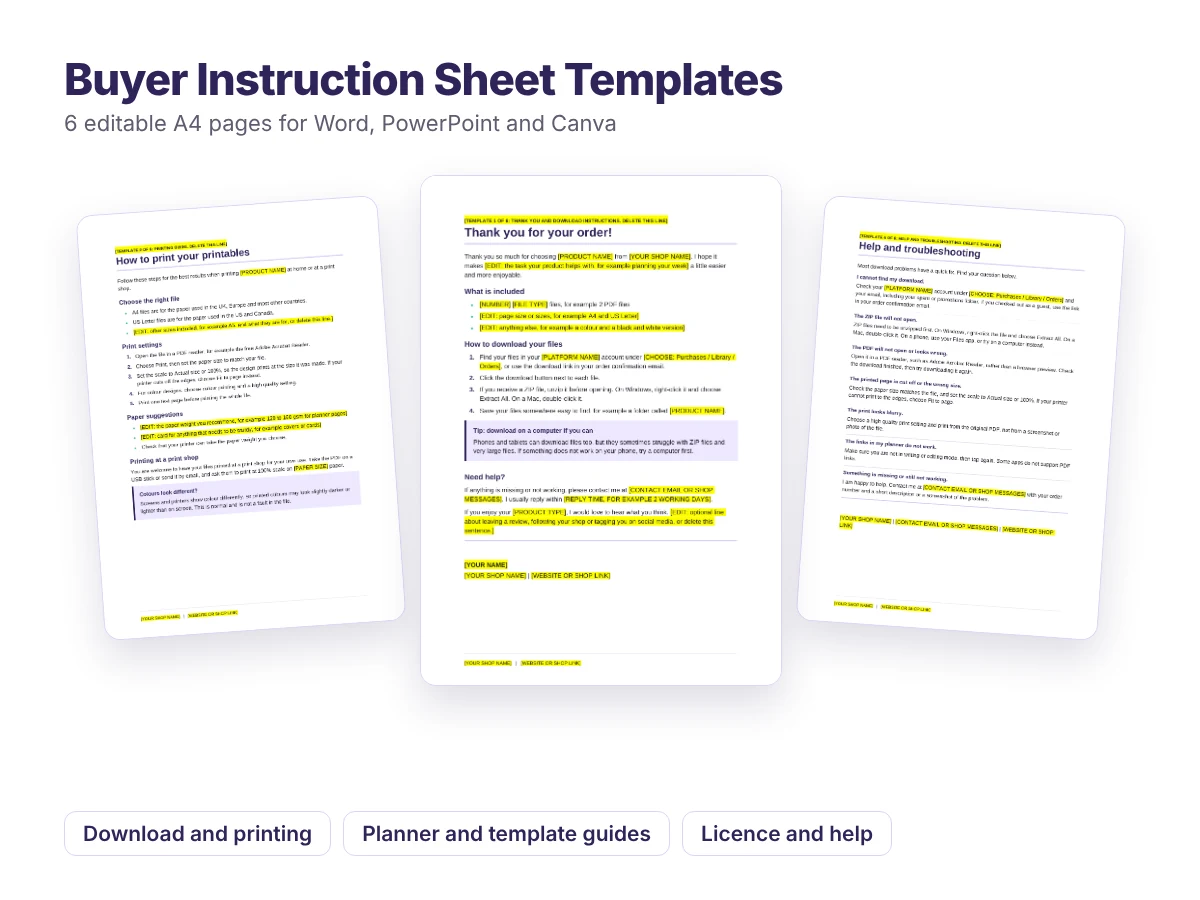
Six ready-to-edit pages to include with your digital downloads, so customers know exactly how to download, print and use what they bought.
- Six A4 pages covering the questions customers ask most
- Word and PowerPoint versions, and the PowerPoint file imports into Canva
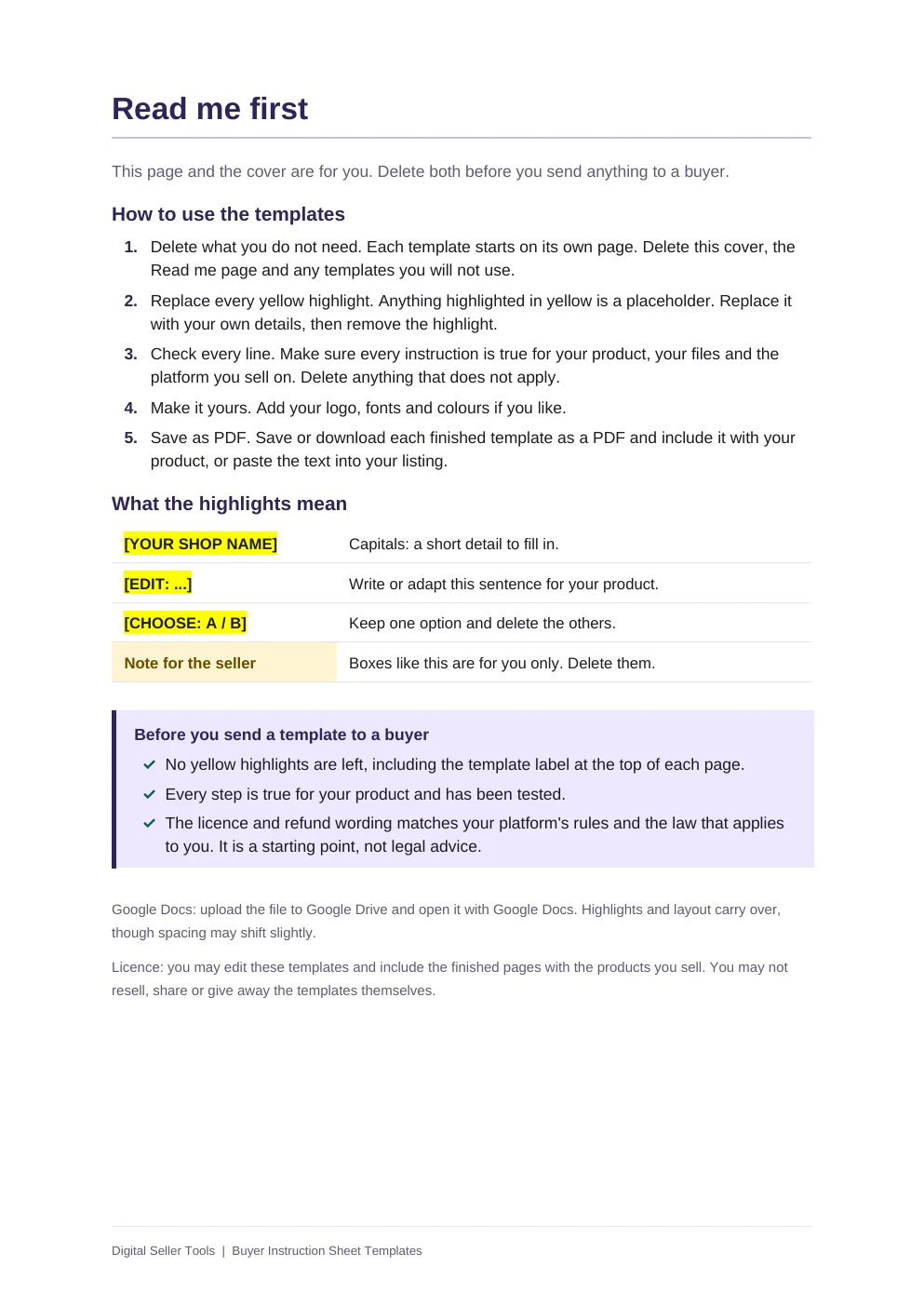
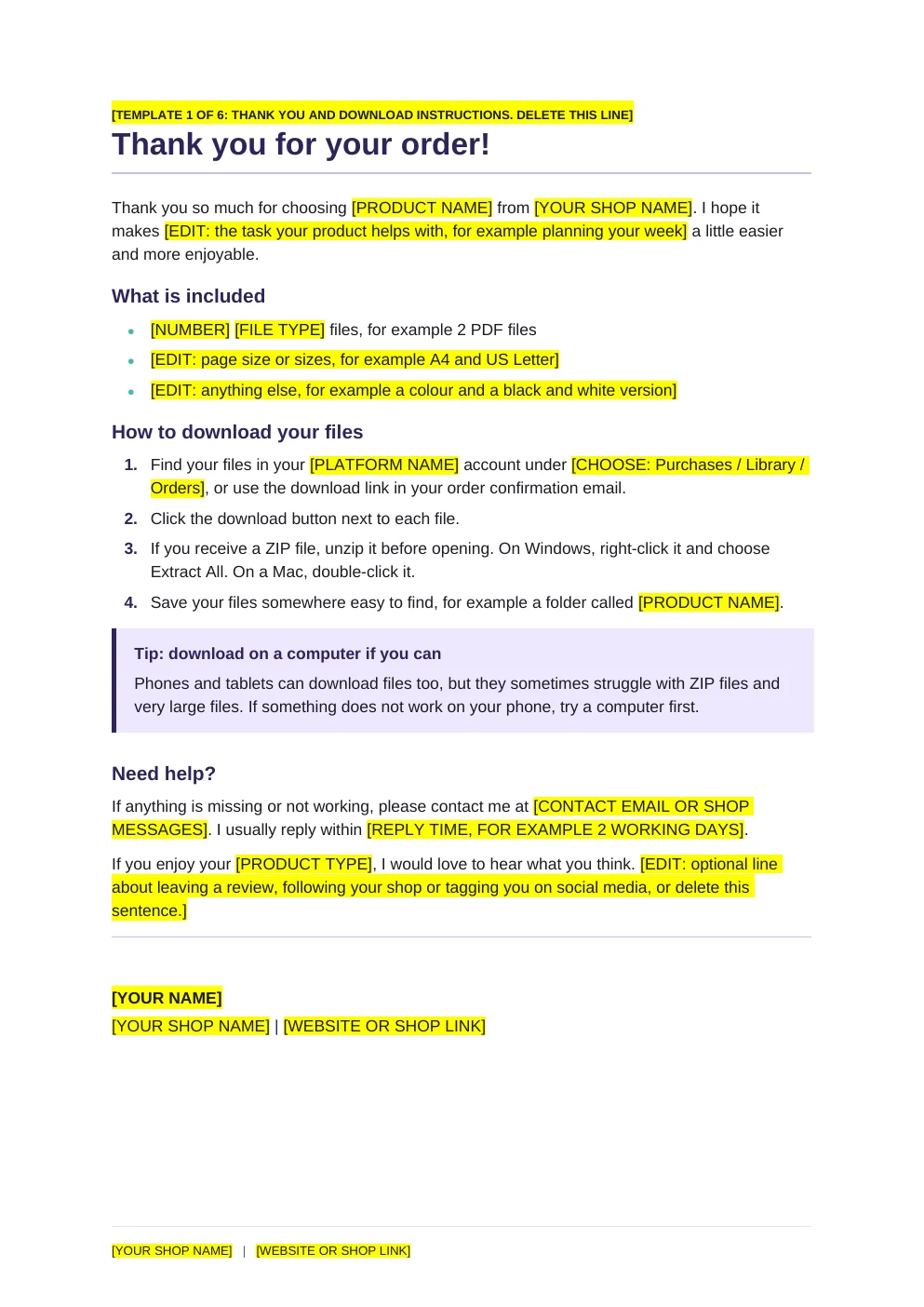
- Every detail to change is highlighted in yellow, such as [YOUR SHOP NAME]
- Written in clear, friendly English that you can adapt to your voice
Free
Download the Word version Download the PowerPoint versionFree, with no sign-up. If it saves you time, you can buy me a coffee.
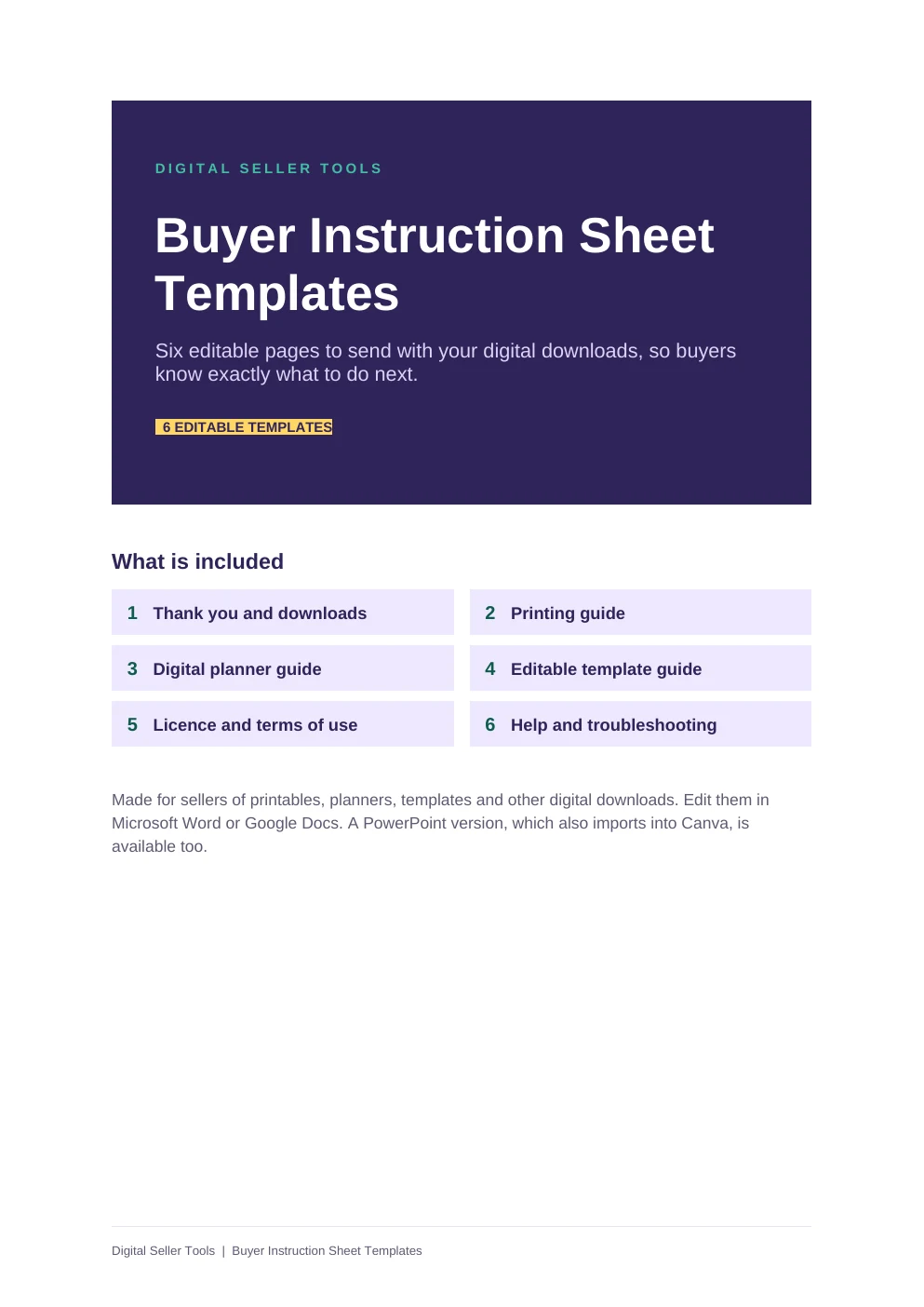
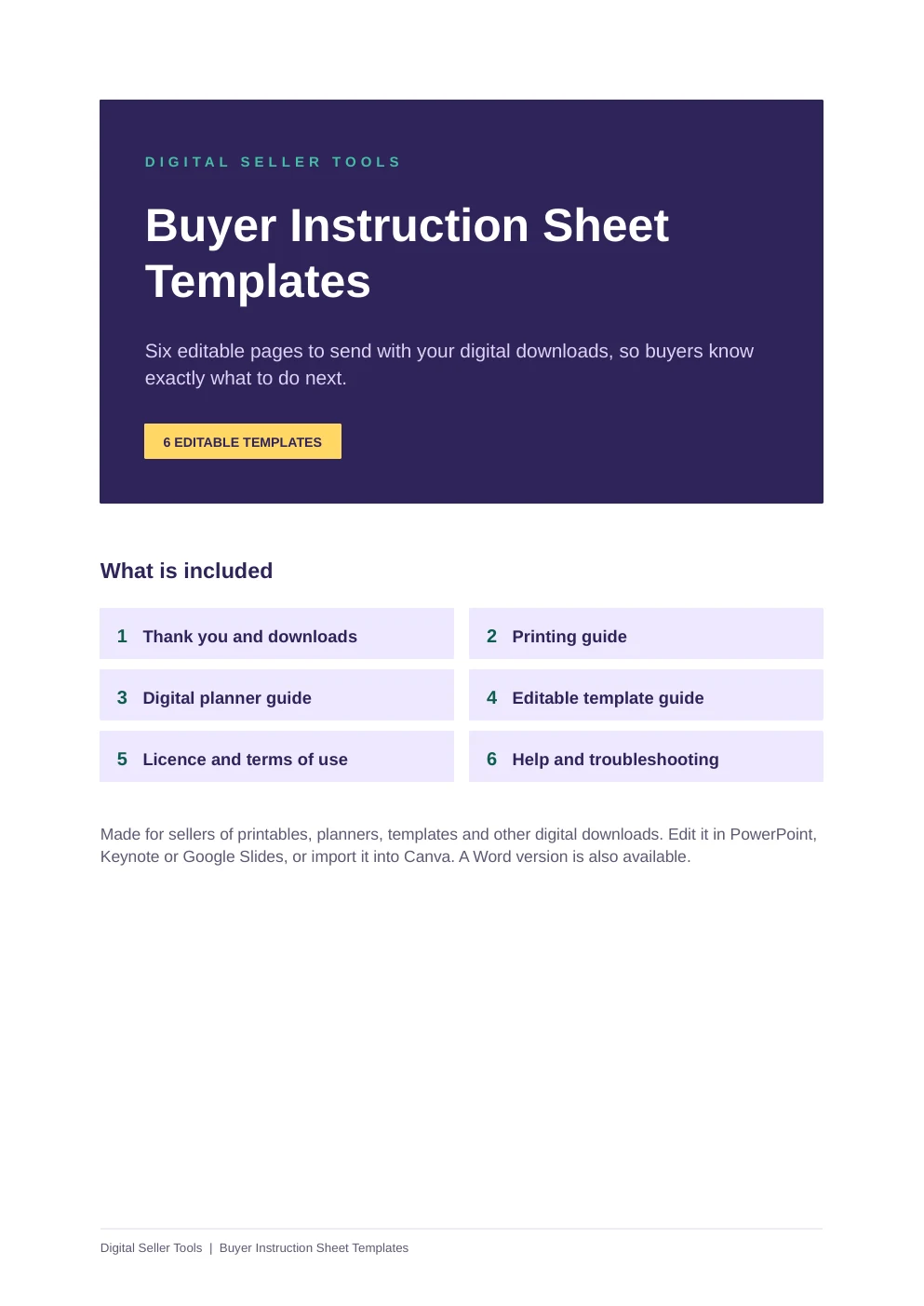
What is included
- Thank you and download instructions
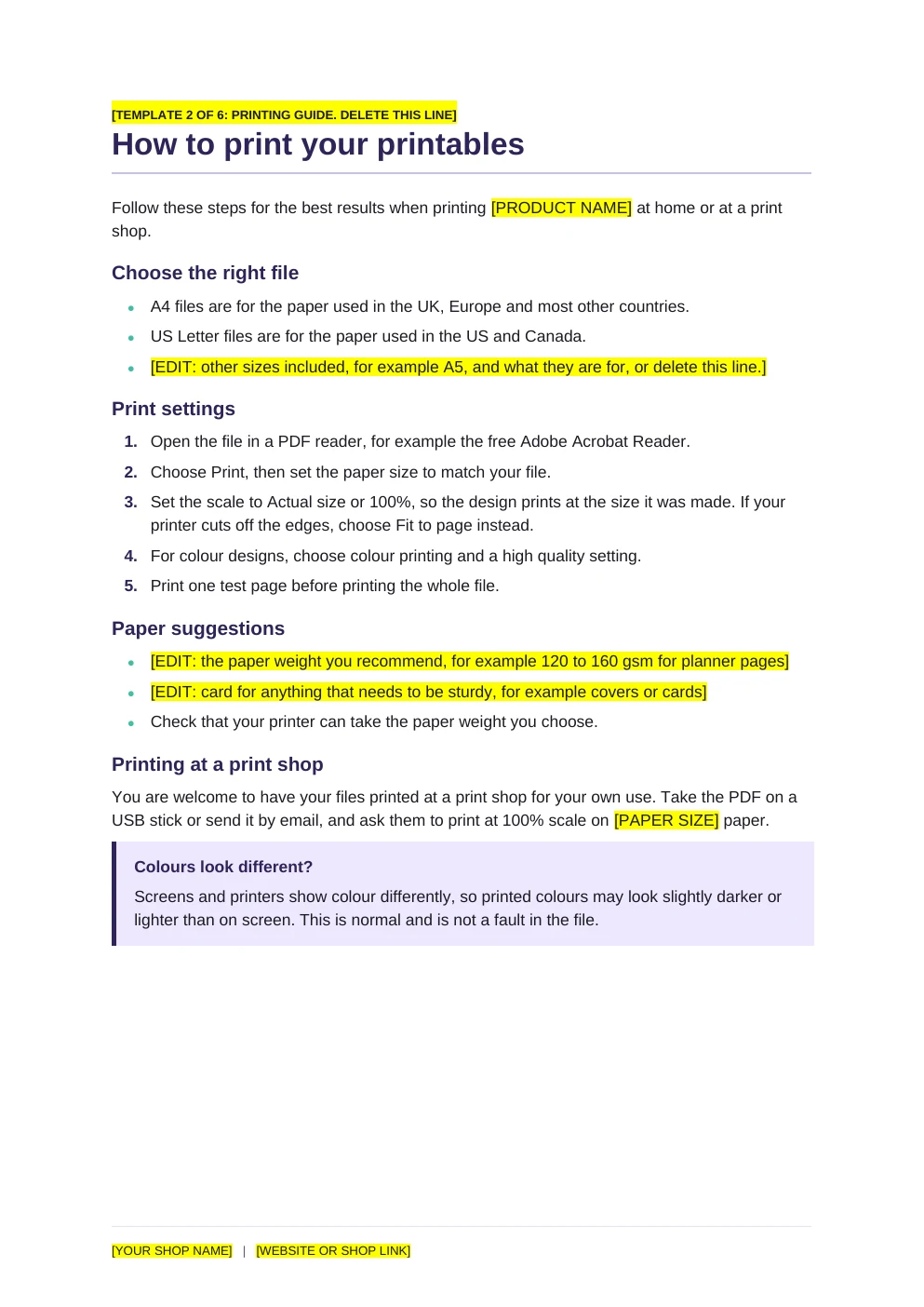
- Printing guide for printables
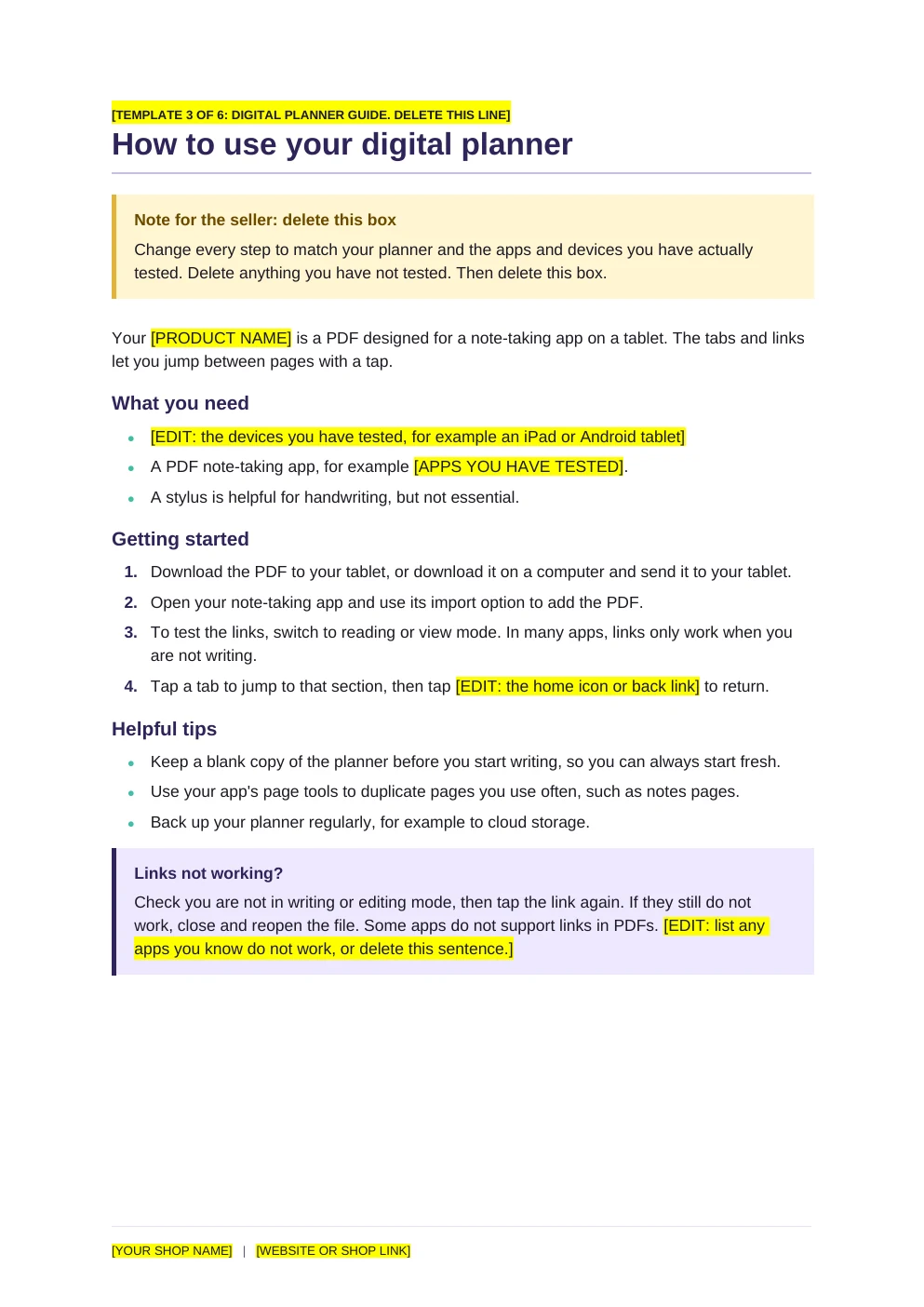
- How to use your digital planner
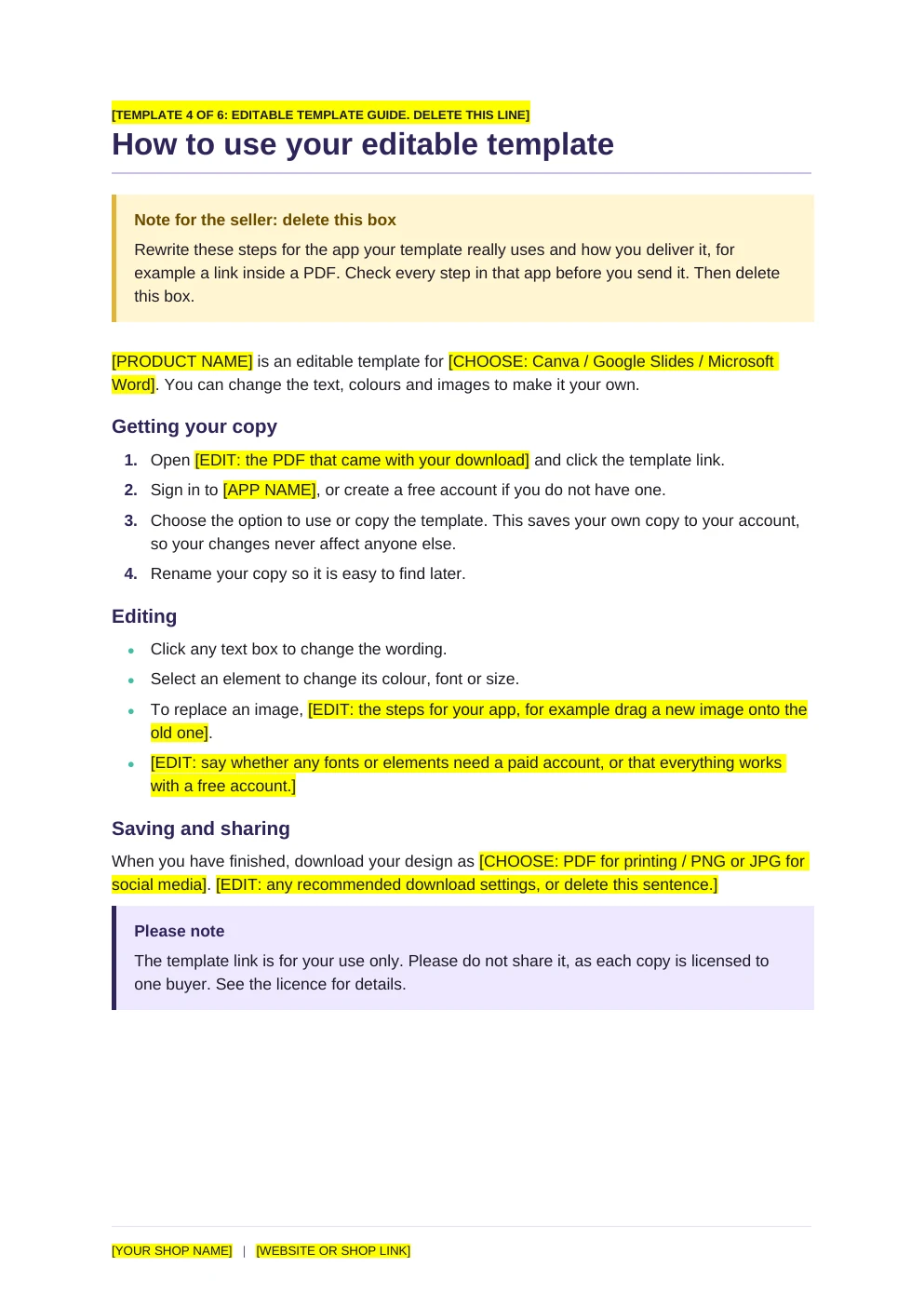
- How to use your editable template
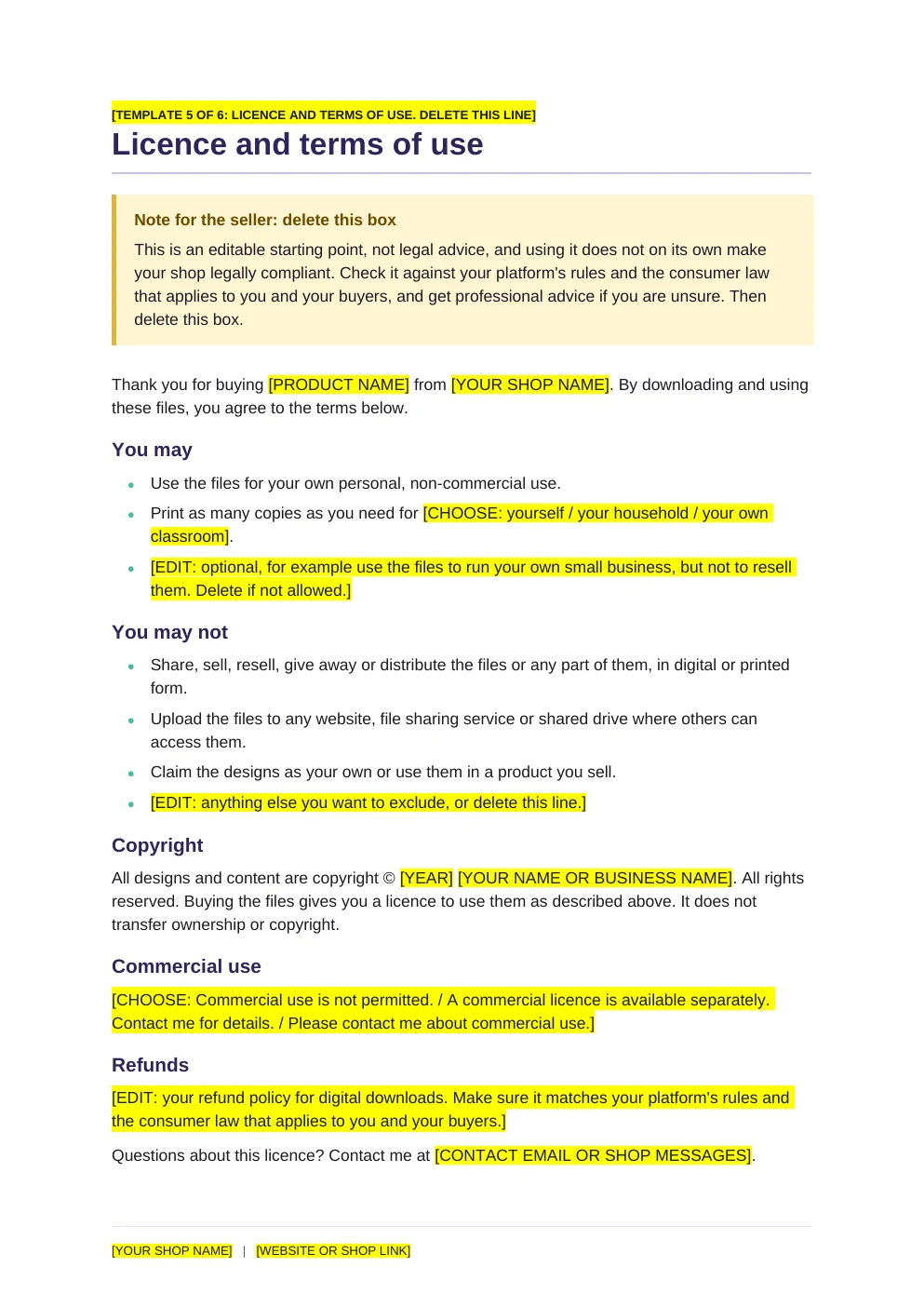
- Licence and terms of use (a starting template, not legal advice)
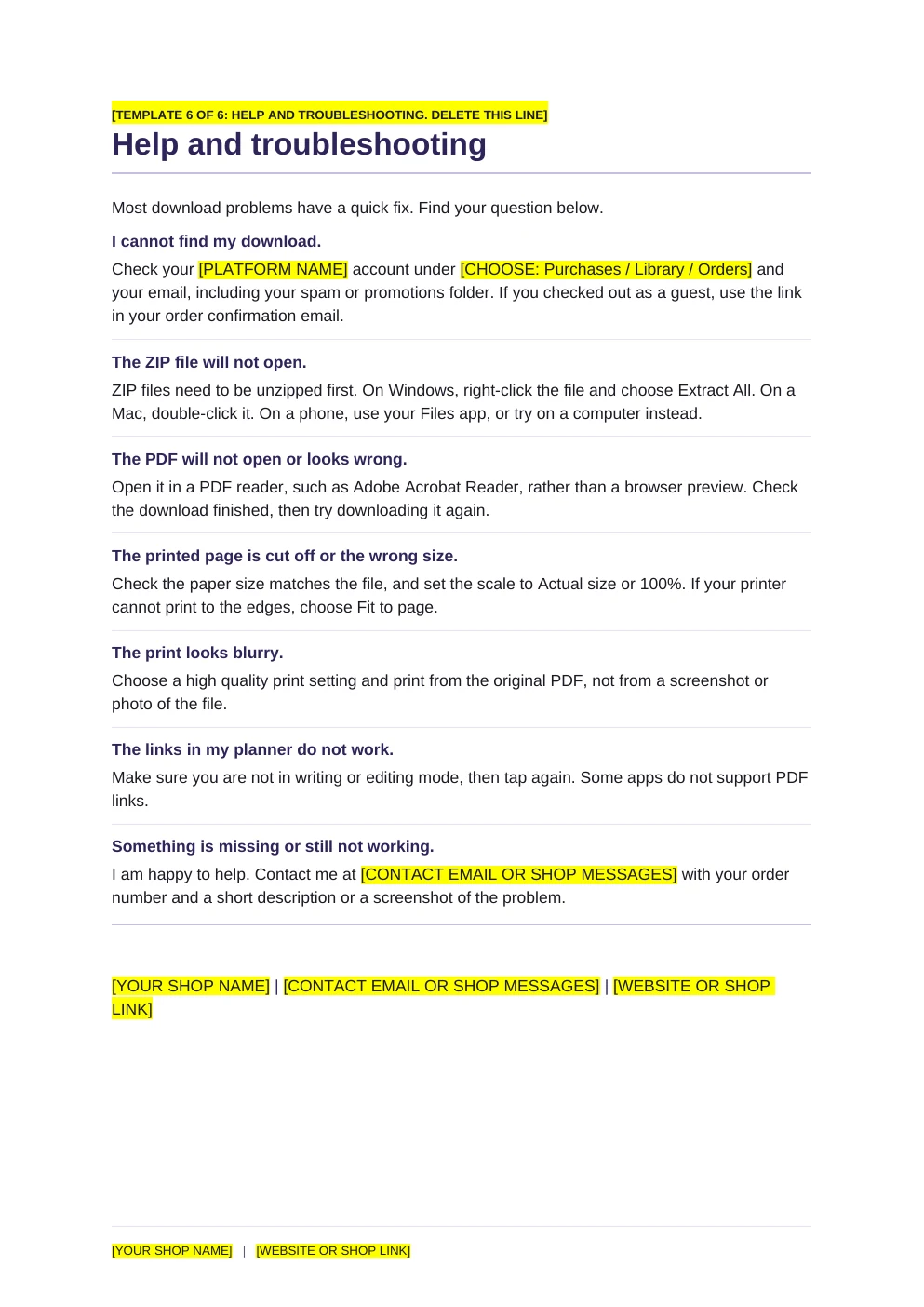
- Help and troubleshooting
- A cover and Read me first page explaining the highlights, plus a checklist before you send
- Two files: Word (.docx) and PowerPoint (.pptx), which you can also import into Canva
Who it is for
- Sellers who want fewer "my file will not open" messages
- Sellers of printables, digital planners and editable templates
- Anyone launching a new product and working through the Launch Checklist
How it works
Choose your version
Open the Word file in Word or Google Docs, the PowerPoint file in PowerPoint, Keynote or Google Slides, or bring it into Canva.
Fill in the highlighted text
Replace the highlighted details with your own and delete any pages you do not need.
Add it to your product
Save the pages as a PDF and include them in your download.
Files and requirements
- Word document (.docx): opens in Microsoft Word and Google Docs
- PowerPoint file (.pptx), A4: opens in PowerPoint, Keynote and Google Slides. To use Canva, upload it on the Canva home page and every text box stays editable
- Page size: A4. To make a US Letter version, change the page size in your editor and check the layout
Licence
Free to edit and include in the products you sell. Please do not resell or redistribute the templates themselves. If you want to share them, link to this page instead.
Any figures the files help you work out are estimates, not financial, tax or legal advice.
Frequently asked questions
Is it really free?
Yes. There is no sign-up and no email address needed. Just download the file. If it helps you, you can buy me a coffee, but that is entirely optional and does not unlock anything.
Can I include the edited pages in the products I sell?
Yes. That is what they are for. You may edit them and include them in your own products for your customers. You may not resell or share the templates themselves as templates.
Is the licence page legal advice?
No. It is a starting template to adapt. Make sure it matches how you want your work used, and get professional advice if you are unsure.
Can I use it in Canva?
Yes, with a free Canva account. Download the PowerPoint file and upload it on the Canva home page. Every page becomes an editable Canva design.
Will it match my brand?
The pages use a simple layout and Arial so they import cleanly. Change the fonts and colours to match your shop.
Found this useful?
Everything here is free. If it saved you some time, you can support the site with a coffee. It is entirely optional.
Also free
-
Spreadsheet for Excel, also opens in Google Sheets
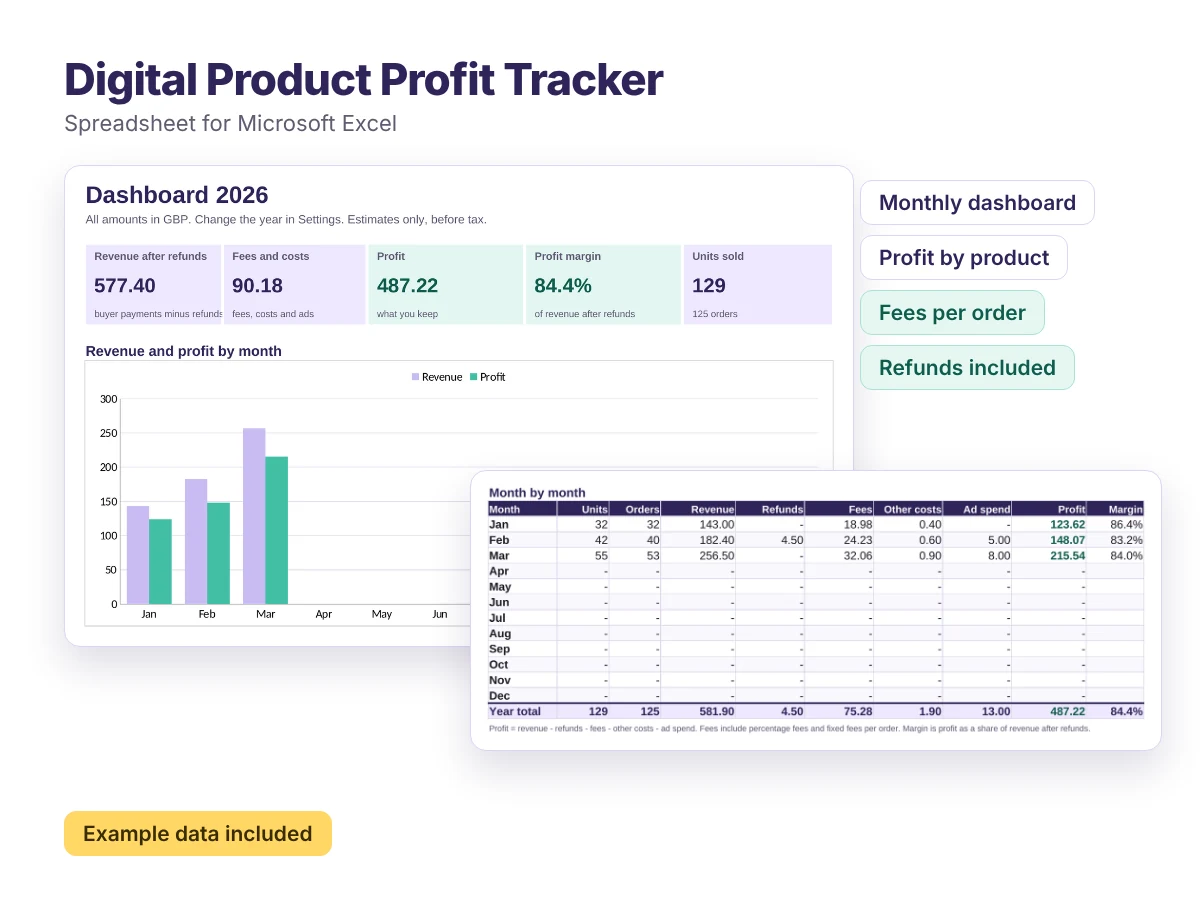
Digital Product Profit Tracker
A ready-made spreadsheet that shows what you actually earn from every digital product, month by month.
Free